 My Employee is Leaving
System Security Protocols
Crucial for safeguarding sensitive data and maintaining compliance.

As the IT Admin departs, team members realize they can't access critical systems.
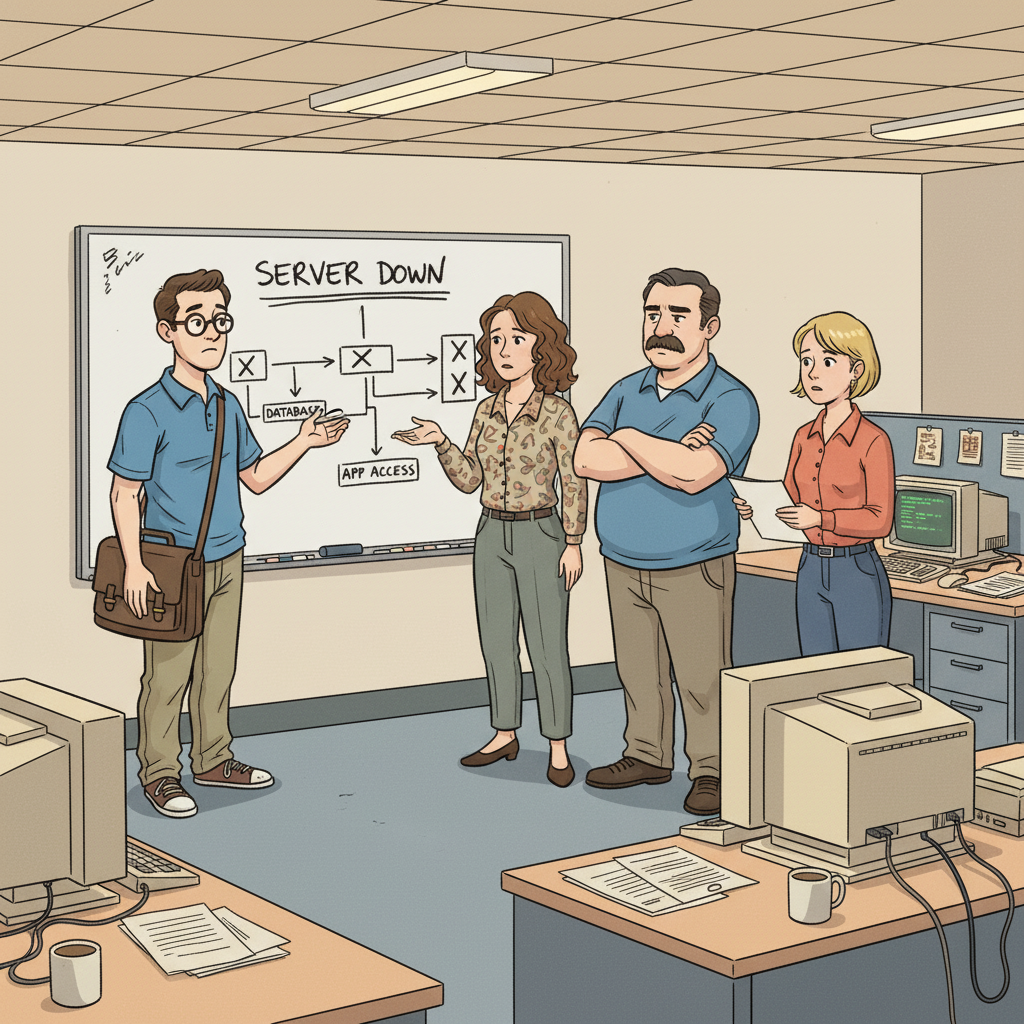
Network resources become unreachable, leading to a loss of productivity.

An overlooked scheduling of backups results in imminent data loss.
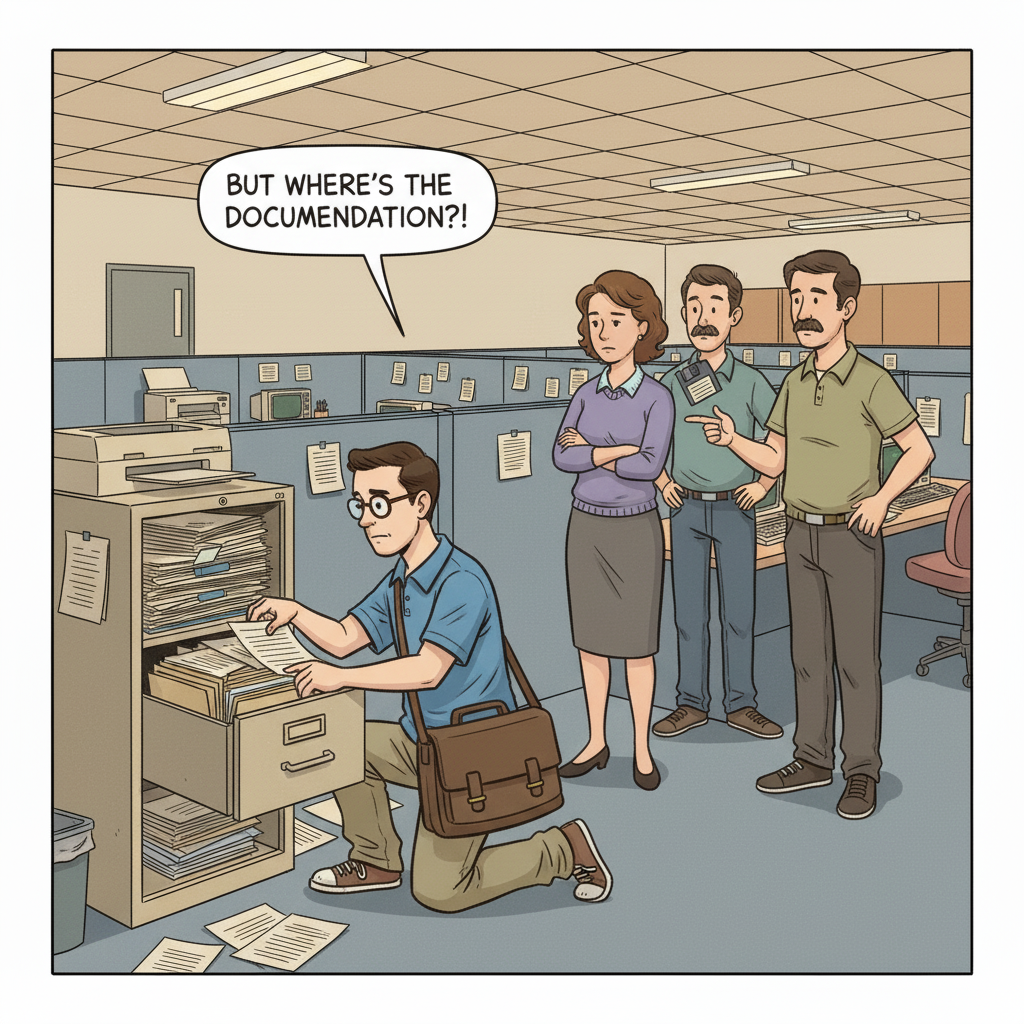
Security risks escalate as knowledge on patching procedures leaves with the Admin.
Several operational disruptions arise, causing increased workload and communication failures.
Key systems and protocols such as backup processes and user account access must be prioritized.
Important undocumented workarounds and shadow systems often remain unnoticed until issues arise.
Act promptly to conduct exit interviews and begin knowledge capture immediately.
The departure of an IT Admin can lead to critical failures across various systems and processes, resulting in operational chaos. Teams reliant on the Admin for their expertise can experience the following disruptions:
When the IT Admin departs, user access to shared drives and essential applications may be severely restricted. Without proper documentation, team members may face delays in retrieving necessary data.
Failure to execute timely backups can lead to data loss, especially if the backup systems are not well documented or regularly monitored.
With the IT Admin's expertise gone, security measures may not be properly enforced, leaving systems open to attacks.
The cascading effects of these failures can be monumental, affecting not just the IT department but every unit that relies on technology to operate efficiently.
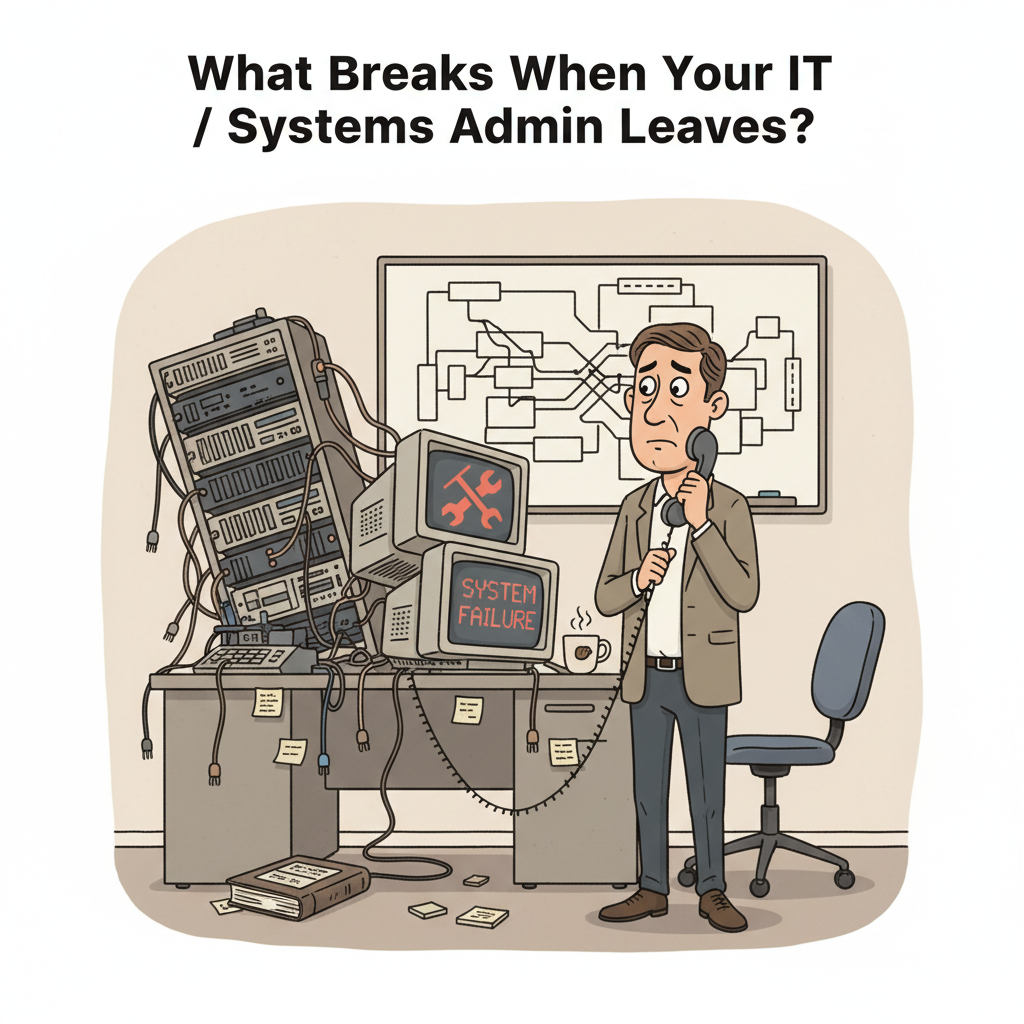
An IT / Systems Admin has a wealth of knowledge that directly impacts the functionality and security of the organization.
System Security Protocols
Knowledge of patching schedules and security configurations is vital for protecting sensitive information.
Server Maintenance Procedures
Regular updates and maintenance of Linux servers and Windows Server installations ensure system reliability.
Network Architecture and Topology
Understanding network configurations allows for swift and efficient troubleshooting of connectivity issues.
Each of these areas is crucial not just for day-to-day operations but also for business continuity. Many departments depend on the smooth functioning of these areas:
The Help Desk Support Team relies on accurate system statuses to assist end-users.
Business units need access to applications that manage daily workflows and communication.
Coordination with the Network Engineering Team addresses any hardware-related issues quickly.
To ensure that critical knowledge is retained during a transition, a structured AI-powered interview can identify vital information. Here are targeted questions that can reveal undocumented processes and dependencies:
Incorporating these questions into the knowledge transfer process can help transition responsibilities smoothly and maintain operational flow within the IT department.

The knowledge transfer report is an essential tool that compiles all relevant data gathered during the transition. Key deliverables include:
Creating a comprehensive report maximizes operational continuity and fosters smoother transitions during personnel changes.
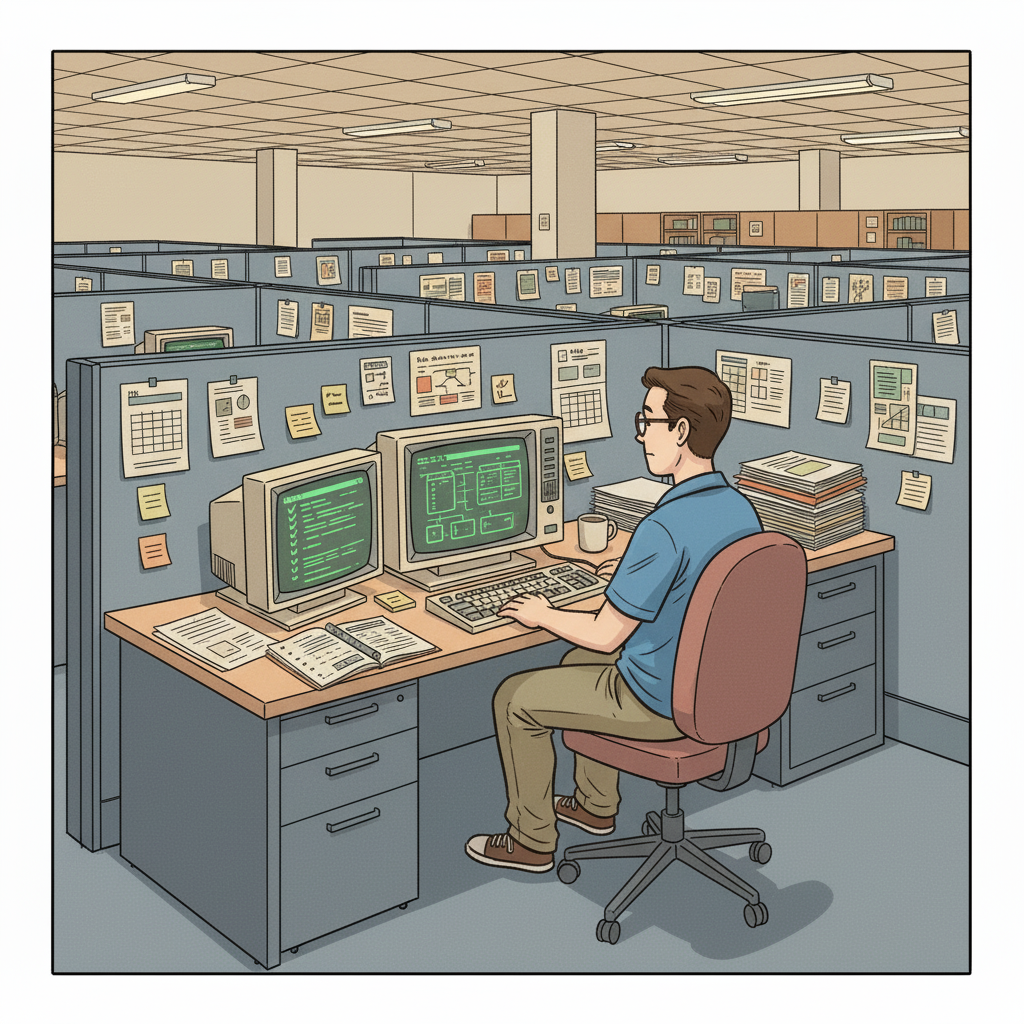
A guiding checklist to streamline the documentation process during the transition.
Schedule interviews to capture critical undocumented knowledge and clarify systems access.
Identify regular tasks and patch schedules for both Linux and Windows environments.
Ensure that all vendor relationships and escalation paths are captured.
Ensure backups are occurring regularly and document any recovery processes.
Detail each component of the network, including configurations for Cisco Network Devices.
Align on expectations and communicate any access or resource changes.
Crucial for safeguarding sensitive data and maintaining compliance.
Ensures that critical data is retrievable in the event of a system failure.
Vital for troubleshooting connectivity issues and understanding dependencies.
The manager learns the IT / Systems Admin is leaving and initiates the knowledge transfer process.
An AI-guided interview session is scheduled with the departing IT / Systems Admin to systematically capture institutional knowledge.
The AI interview extracts undocumented workflows, vendor relationships, decision rationale, and operational edge cases.
A structured knowledge transfer report is produced, covering all critical domains, handover checklists, and risk areas.
The team reviews the report, identifies remaining gaps, and completes the handover before the departure date.
An IT Admin's departure can cause various issues, including loss of access to important systems, increased security risks, and a backlog of unresolved service requests.
Conducting structured interviews and documenting processes through an AI-driven platform ensures that critical tasks and workflows are retained before departure.
Knowledge transfer should be initiated immediately upon notice, ideally allowing at least one full week for thorough documentation and engagement with the transitioning team.
Need help navigating an employee departure? Contact the team at MyEmployeeIsLeaving.com for calm, human support during the two-week notice period.
See illustrative samples of how we capture critical tribal knowledge during employee departures. Real-world reports for Ops, CS, and RevOps roles.
Simple, one-time pricing for employee offboarding. Capture critical tribal knowledge during the two-week notice period without a subscription.
Handle employee resignations with a calm, structured checklist. Capture critical tribal knowledge and hidden dependencies before the two-week notice ends.
Capture critical tribal knowledge before your employee leaves. MyEmployeeIsLeaving helps managers secure project context and 'the why' during the 2-week notice.
Learn why we build for the 2-week notice period. Our mission is reducing operational regret through structured knowledge extraction, not perfect documentation.