 My Employee is Leaving
Backup Procedures
Critical to prevent data loss and ensure business continuity during incidents.

The unexpected network outage stuns the team as no one remembers the configuration nuances.
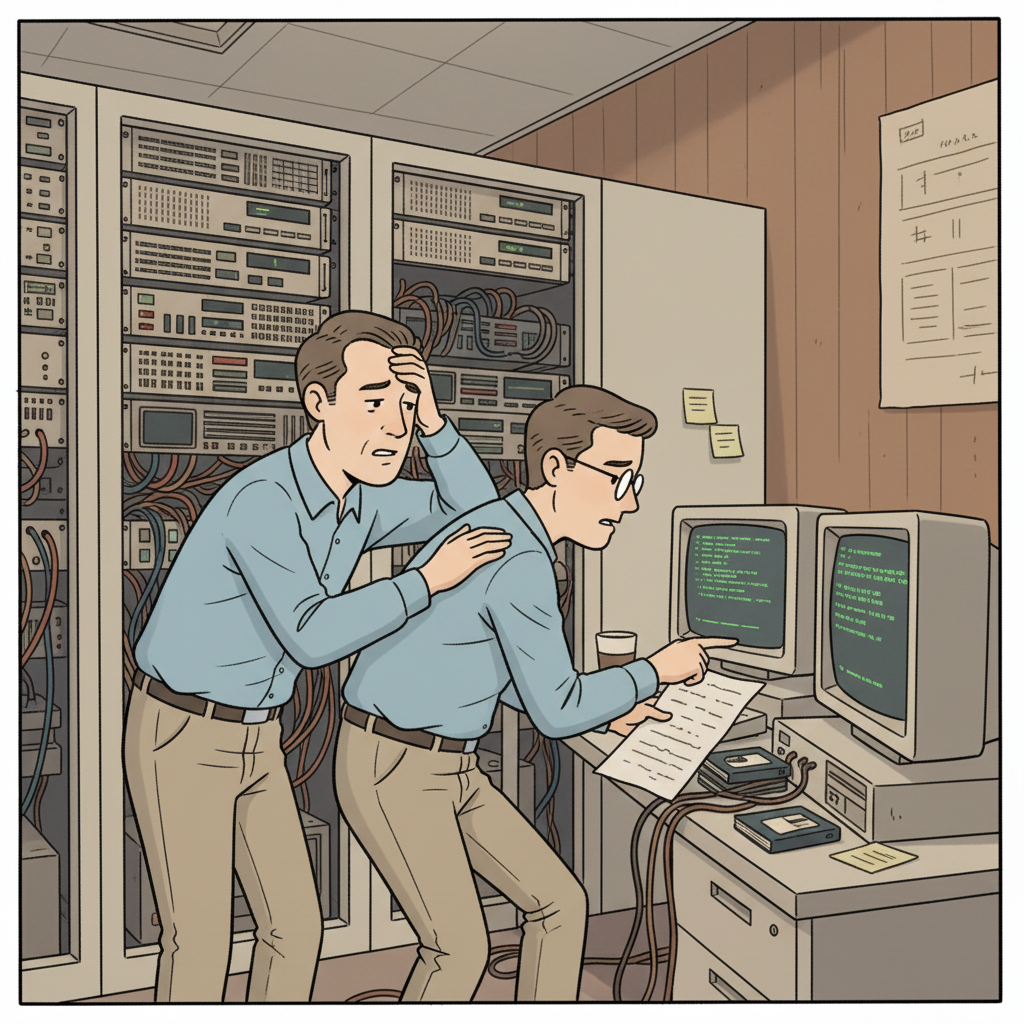
Critical backup protocols are revealed to be flawed as no one recalls the manual changes made.

With the sysadmin gone, the team realizes they can’t access shared scripts or vendor contacts.

Lacking clear shadow documentation, the team is left scrambling as deadlines loom.
Critical knowledge about server configurations and vendor contacts often vanishes, risking outages and project delays.
Begin with server configurations and backup procedures to prevent immediate disruptions.
Undocumented scripts and manual configurations often remain unknown, leading to significant knowledge gaps.
Focus on validating current documentation and initiating knowledge transfer sessions.
When a Systems Administrator departs, the risks unique to their role lead to potential operational chaos. Several key areas can experience failure:
In a Software/SaaS environment, improper configuration within network systems can lead to significant outages. The Cisco networking gear maintained by a departed sysadmin might have custom configurations known only to them, making troubleshooting nearly impossible. Additionally, any undocumented network routing decisions made for performance can complicate diagnostics or repairs.
Backup systems managed by a Systems Administrator can falter if proper procedures aren’t recorded. Recently modified backup schedules or additional steps that deviate from the usual protocols may not be documented, triggering data loss during recovery attempts. Without knowledge of tools like Veeam, the fallout could be catastrophic.
Failure to continuously apply security patches becomes an increased risk, especially for systems that are no longer rigorously monitored. A sysadmin may have personal workflows that defined patch schedules and statuses, all of which become unpredictable once they leave. Their insight into security appliance settings can also be lost immediately.
Custom scripts that automate operational tasks frequently remain undocumented, creating a void in knowledge regarding their maintenance and execution. This could lead to manual work processes that become cumbersome or even stall services altogether.
Collaboration with the Help Desk Team for user support and the Operations Team for uptime monitoring may suffer as institutional knowledge dissipates. Without knowing how systems interact, team members may find themselves ill-equipped to manage routine tasks or incidents efficiently.
The initial chaos often leads to unanticipated outages and urgent firefighting later, emphasizing the need for effective knowledge transfer before a departure.

A Systems Administrator’s expertise encompasses several domains critical to the organization’s functionality:
Each of these areas reinforces the systems on which the organization relies, creating a web of dependencies that only the departing Systems Administrator may fully understand.

To effectively capture the knowledge of a departing Systems Administrator, consider the following targeted interview questions:
These questions allow for a thorough and comprehensive understanding of the systems and processes leaving with the Systems Administrator.

The resulting knowledge transfer report from a Systems Administrator includes vital information across several domains:
Compile actionable playbooks that detail server configurations and specific processes for seamless operation.
Capture the reasoning behind configuration choices, which aids successor teams in understanding past decisions that shaped the reality of the current environment.
Includes comprehensive documentation on network setups, backup procedures, and user management workflows, providing clarity on best practices.
Identifies areas most at risk during the handover to ensure that proactive measures can be taken against potential failures.
These checklists ensure that no critical knowledge is overlooked as the transition takes place, keeping teams accountable for operational continuity.

Follow this checklist to ensure critical knowledge is captured during the Systems Administrator's offboarding.
Capture all unique settings and any modifications made beyond standardized configurations to maintain system integrity.
Audit historical backup logs and modifications to ensure smooth data recovery in case of incidents.
List preferred vendors along with escalated contacts beneficial for quick issue resolution.
Document all automations, including their purpose and execution schedules for future reference.
Ensure comprehensive knowledge about applied patches, schedules, and any missed updates is clearly noted.
The manager learns the Systems Administrator is leaving and initiates the knowledge transfer process.
An AI-guided interview session is scheduled with the departing Systems Administrator to systematically capture institutional knowledge.
The AI interview extracts undocumented workflows, vendor relationships, decision rationale, and operational edge cases.
A structured knowledge transfer report is produced, covering all critical domains, handover checklists, and risk areas.
The team reviews the report, identifies remaining gaps, and completes the handover before the departure date.
The departure of a Systems Administrator leads to the loss of critical knowledge about server configurations, custom scripts, and vendor contacts, resulting in potential outages and operational chaos.
By structuring an AI-guided interview that targets undocumented workflows, essential contacts, and decision rationales that only the departing sysadmin understands.
Typically, knowledge transfer should start immediately upon notice and aim to complete within the two-week notice period, focusing on capturing as much essential information as possible.
Capture essential knowledge during employee transitions in financial services with our structured checklist and insight report.
Capture crucial knowledge seamlessly when a SaaS team member leaves. Get operational playbooks, decision rationale documentation, and more.
Access a checklist and interview questions essential for effective knowledge transfer in professional services, ensuring operational continuity.